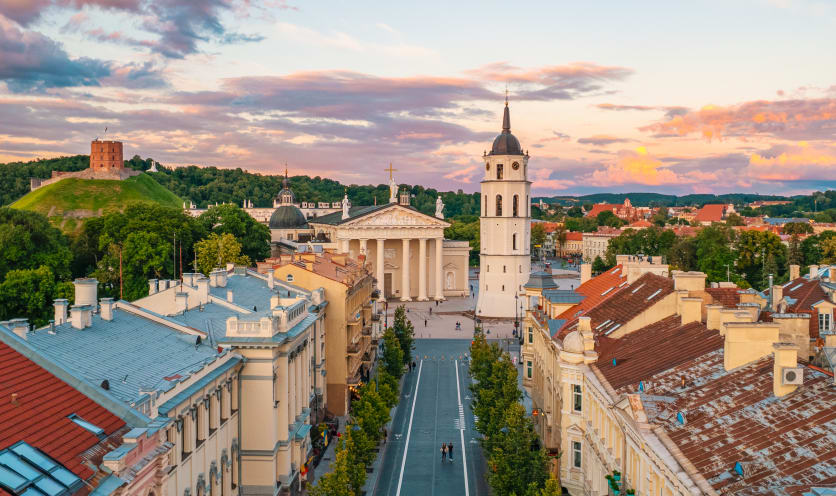
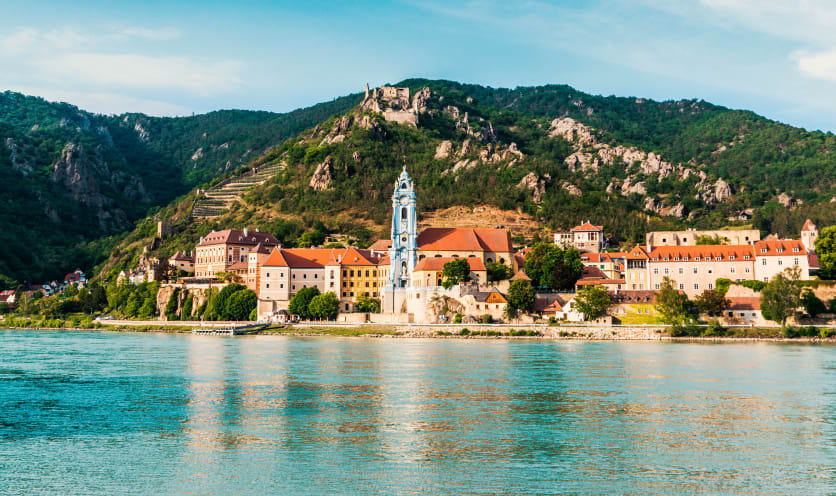
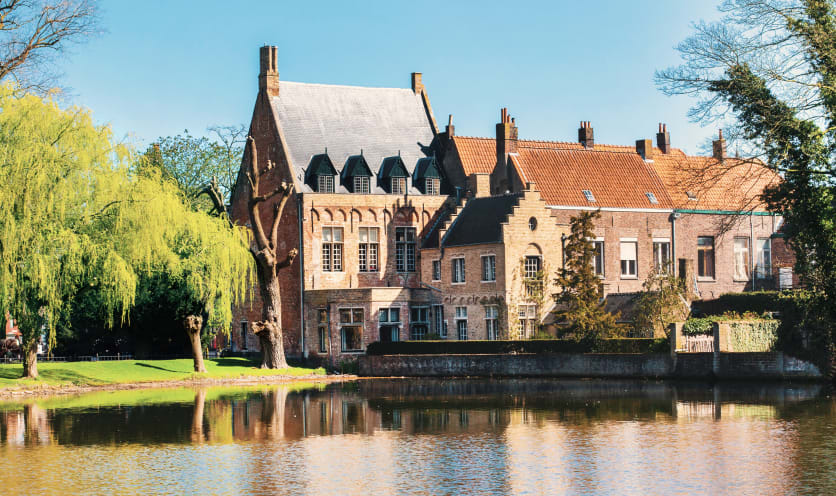
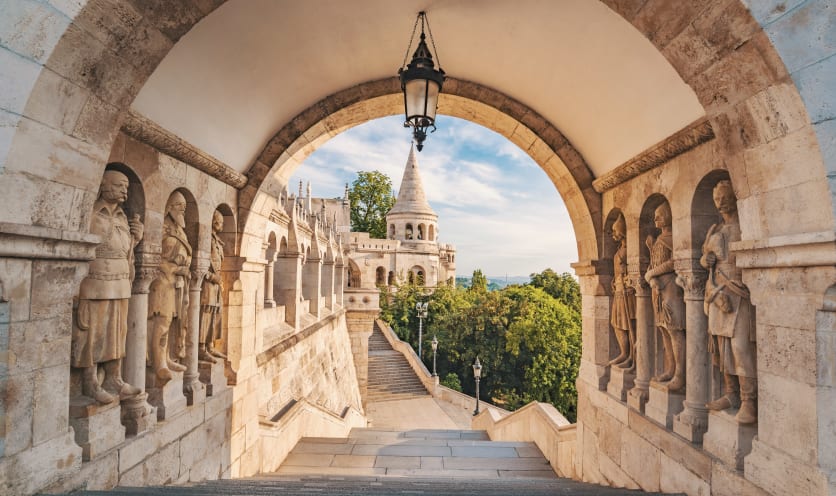
È possibile partire per un tour Boscolo in pullman dalla maggior parte del territorio italiano.
Abbiamo diversi punti di partenza in tutta Italia: per viaggiare con noi, potrai scegliere quello più vicino alla tua città e salire su una navetta che ti condurrà al “punto di raccolta”, ovvero il luogo dove avrà inizio il tour vero e proprio. Qui salirai a bordo di un pullman Gran Turismo e incontrerai il tour leader e i tuoi compagni di viaggio.
Inoltre, in diversi comuni anche piccoli è disponibile il nostro servizio “partenza sotto casa”, che prevede un mezzo in condivisione che ti verrà a prendere direttamente a casa e ti condurrà al punto di partenza più vicino alla tua città.
Il programma di viaggio in bus solitamente prevede delle interessanti tappe lungo il percorso, dove potrai iniziare ad ammirare luoghi, monumenti e culture diverse con l'aiuto delle nostre guide esperte. Alcuni tour prevedono inoltre la possibilità di scegliere tra partenza in pullman o in volo, incontrando il resto del gruppo direttamente a destinazione. In fase di prenotazione, i nostri esperti ti proporranno la soluzione più adatta a te in base alla tua città di partenza.